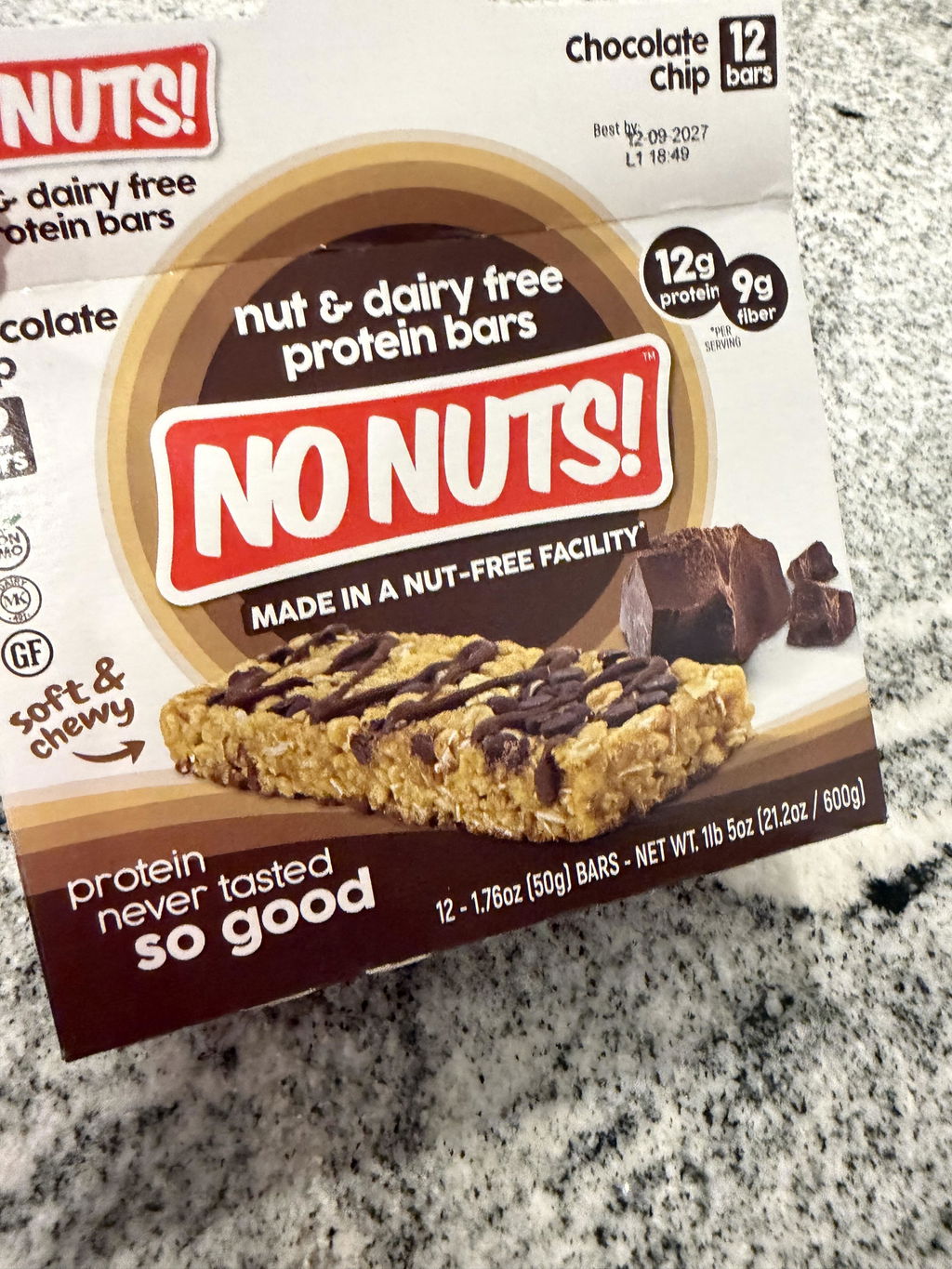
Amazing flavor and texture. Great way to supply family with a high protein snack.
These bars are great. Having a child with a food allergy gives me peace of mind about having them eat these snack bars.
Everything you need to know about managing your No Nuts! subscription — from pausing to payment questions.
Manage My Subscription →Your subscription renews automatically based on the delivery interval you chose at checkout. After each successful payment, your bars ship to your door — no need to reorder manually.
For example: if you chose a monthly subscription, your card is charged and your order ships every month on that same cycle.
The Recurring Subtotal shown at checkout is auto-populated and does not include your Subscribe & Save discount. You will not be charged that higher amount.
Your actual recurring charge will always reflect the discounted subscription price.
Yes — anytime. Log in to your customer portal and use the Pause or Cancel my subscription buttons.
You can also access your portal via the magic link in the confirmation email you received when you first subscribed, or by logging into your account on the site.
Yes. In your customer portal, each upcoming delivery has a Skip payment button next to it. To reschedule, click the Reschedule button next to the delivery date.
Yes. In your customer portal, go to the products card and click Edit to add, remove, or swap flavors in your subscription.
If a renewal charge fails, we'll send you an email with a secure link to update your payment method. Your subscription will remain active and we'll retry once your payment info is updated.
Log in to your subscription portal to pause, skip, cancel, or update your order — it takes less than a minute.